Live Transactions Console
Monitor transactions from your tracked wallets in real time. Filter by transaction type, token age, USD value and configure sound alerts so you never miss a move.
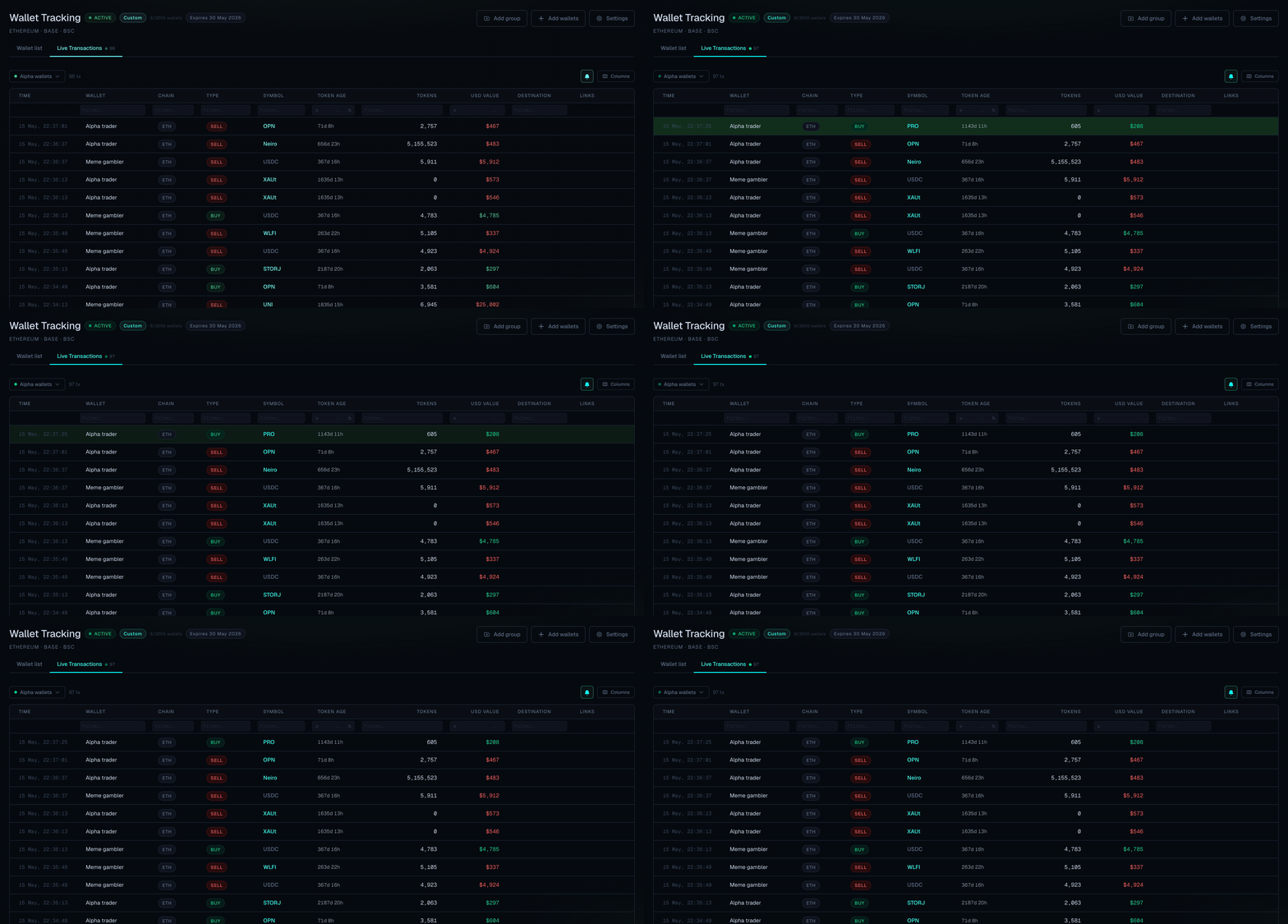
Full Video Tutorial
Instructions
-
Navigate to the Live Transactions tab. Transactions from your tracked wallet groups (with Alerts enabled) will stream in real time.
-
Use the filter row to narrow the feed — filter by token age, USD value, chain, or transaction type (buy/sell).
-
To configure sound alerts, open the settings panel and select a sound. Enable sounds by clicking the bell icon. You will hear the alert each time a matching transaction comes in.
-
Alerts and filters are saved per session. Adjust them at any time to focus on what matters most.
The Live Console only shows transactions from wallets that are actively tracked in your wallet groups. Make sure the relevant groups are set up in the Wallets tab first.